
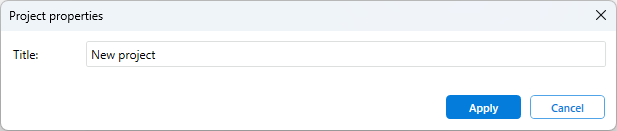
You can change the project title in it’s properties.
For this, do the following:
-
Navigate to Project | Properties.
-
In the window that opens, click the appropriate button and enter the required description.
-
To save changes, click Apply.
 {width=80%}
All information that you specify will be included into the created Report.